rendering-overview
Rendering Tab Overview | Chrome DevTools | Chrome for Developers
- Press Command+Shift+P (Mac) or Control+Shift+P (Windows, Linux) to open the Command Menu.
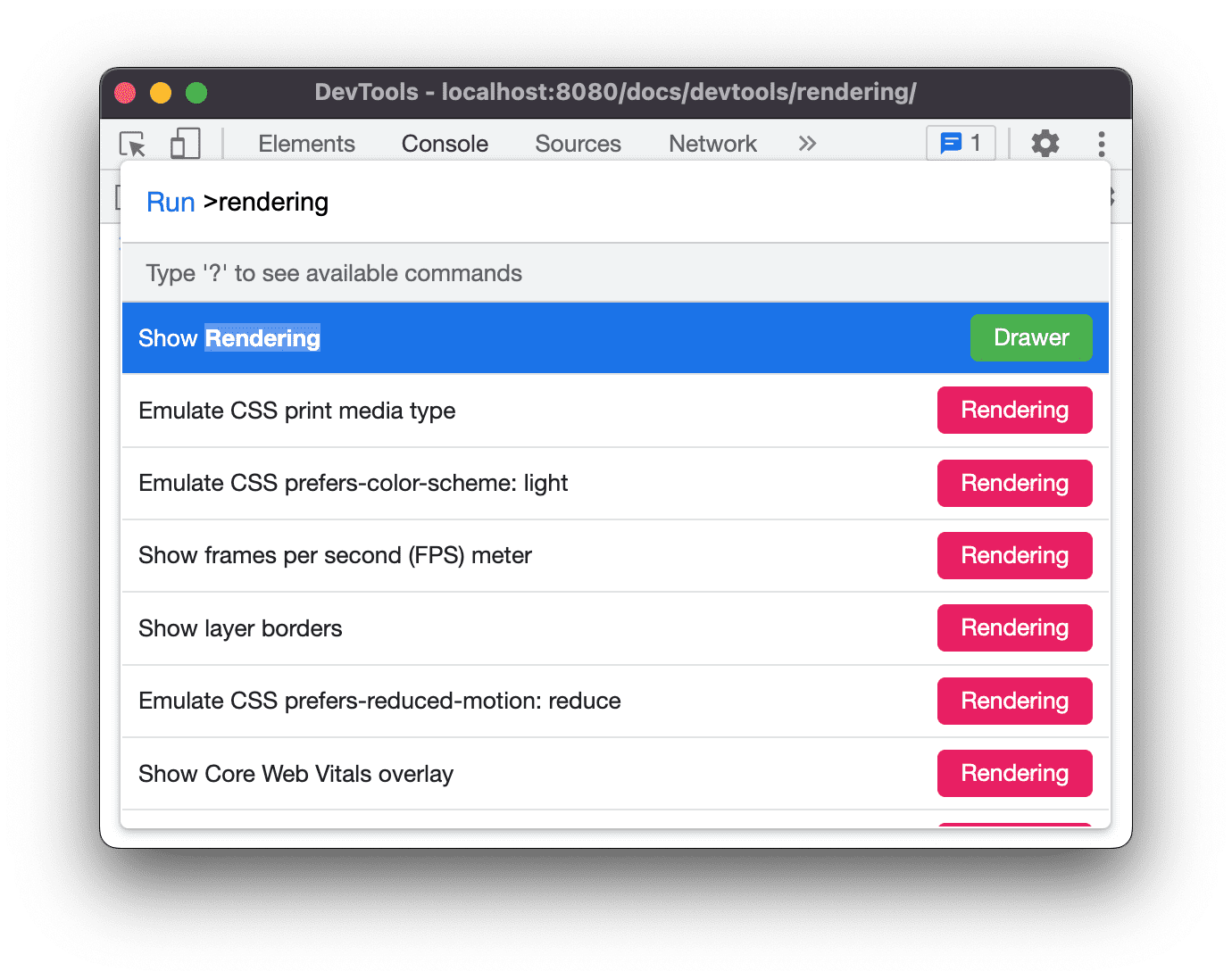
- Start typing
rendering, select Show Rendering and press Enter. DevTools displays the Rendering tab at the bottom of the DevTools window.
Alternatively, you can open the Rendering tab using the following methods:
- Click More Tools (...) > More tools > Rendering
- Use the Command Menu shortcut