sensors-device-emulation
Sensors: Device Sensors Emulation | Chrome DevTools | Chrome for Developers
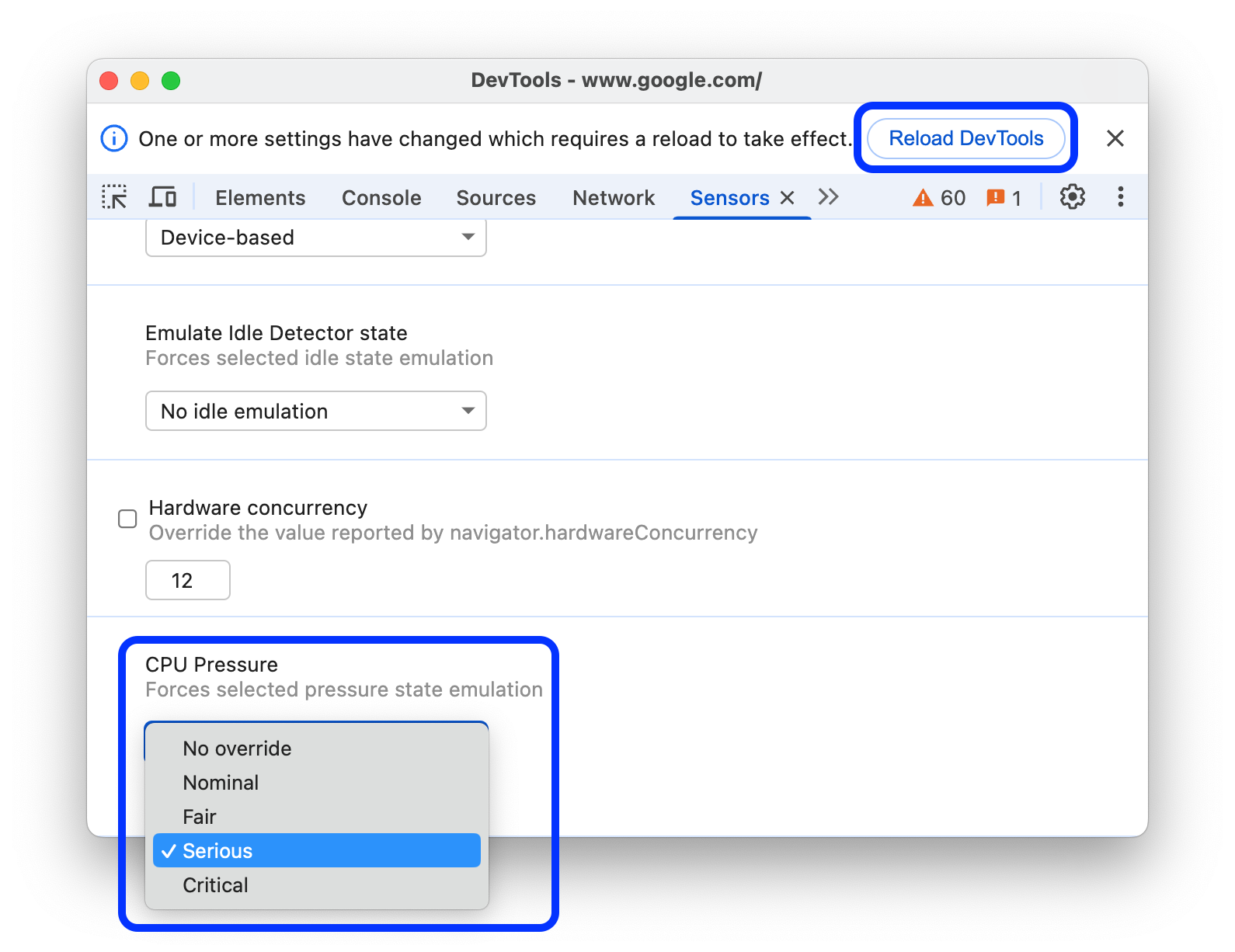
The Sensors panel allows you to emulate states that can be reported by the Compute Pressure API.
To emulate CPU pressure on your website:
- Open the Sensors panel.
- At the bottom of the panel, find the CPU Load section and select one of the human-readable load states: No override, Nominal, Fair, Serious, or Critical.
- Click Refresh DevTools in the command bar at the top of DevTools.